
Screens in any room, ready in just minutes.
Put the right content on screens in any room — the kids' room, the lobby, the hallway — without needing the tech team. Build it once, schedule it, and it just plays on any screen.

Put the right content on screens in any room — the kids' room, the lobby, the hallway — without needing the tech team. Build it once, schedule it, and it just plays on any screen.

Keeping every screen current, working, and ready for Sunday is a full job in itself. ProDisplay allows you to create presentations with your content and send them to any screen in your building. No more plugging a laptop in, using a USB, or walking room to room.
Connect an Apple TV or Google TV device to your screen and download the ProDisplay app.
Use your content to build presentations for display. Schedule presentations to the right room.
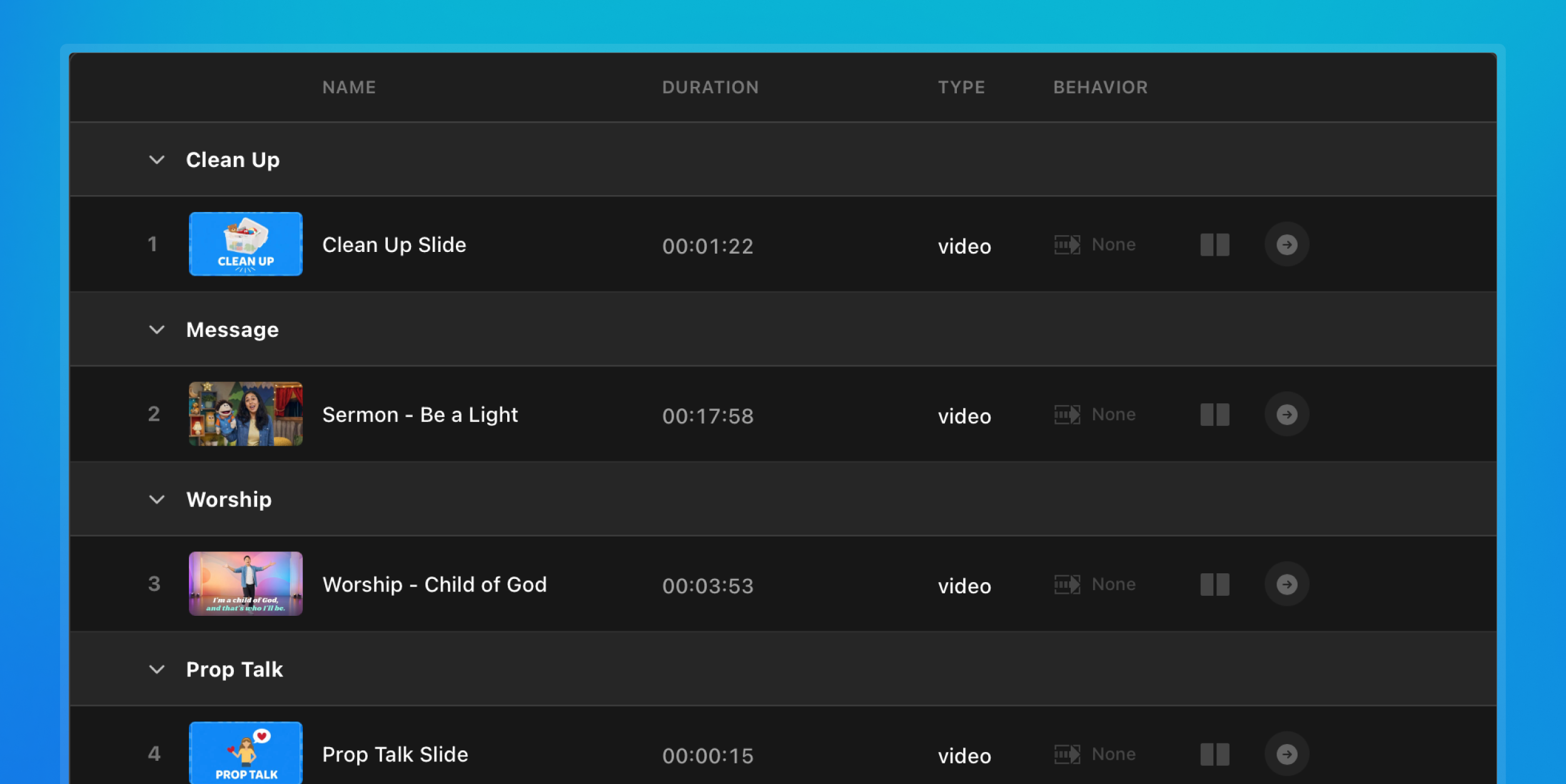
Once in the room, you can control the presentation with the ProDisplay app or your device's remote.

Small group rooms, student spaces, and everywhere else in the building. Build and schedule your presentations for signage or weekly curriculum.
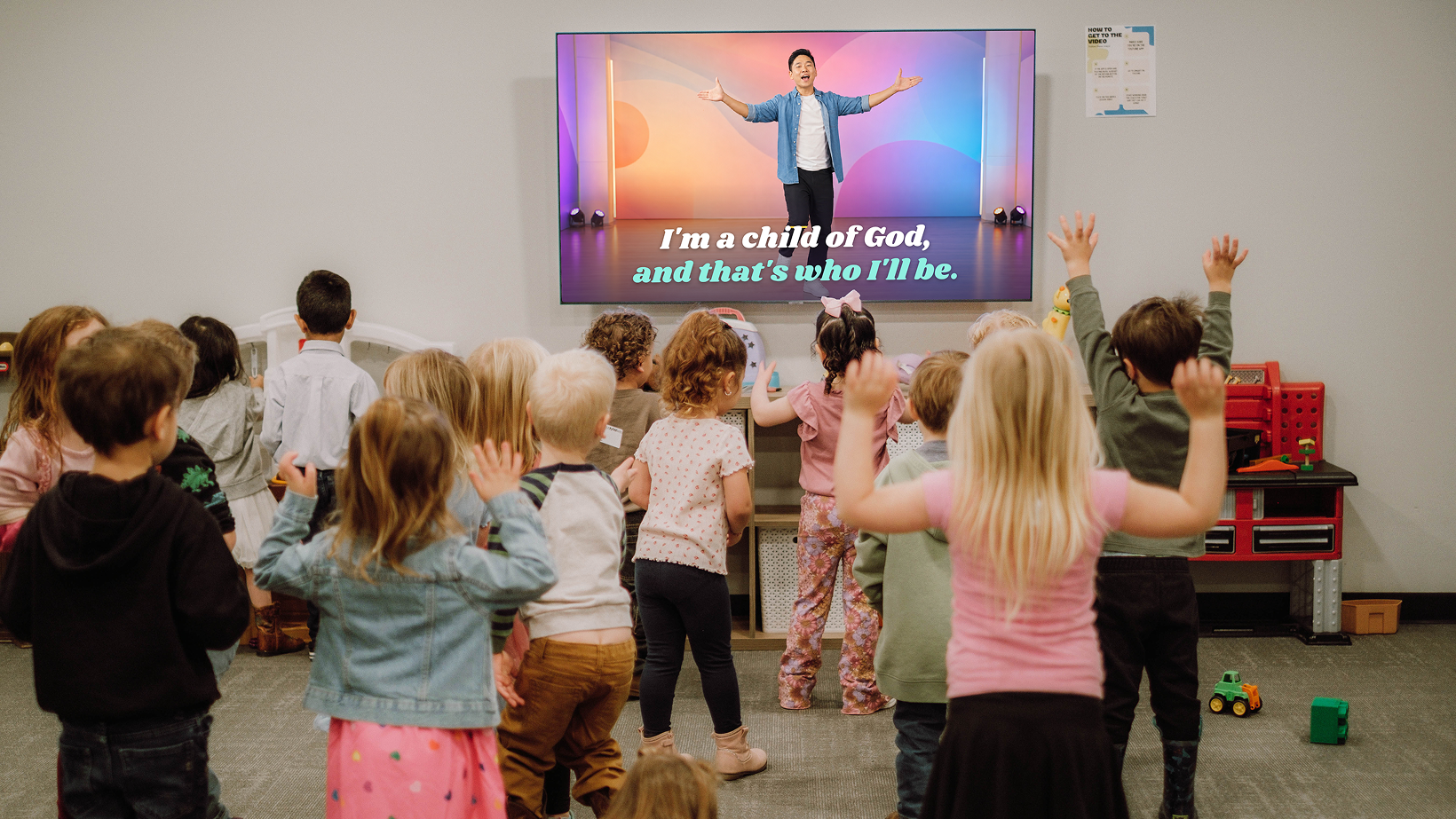
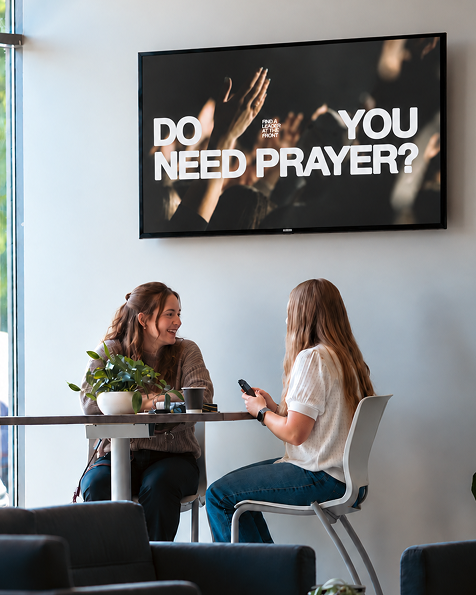


Your first screen is free for an entire year. Add more screens as you need them in your rooms.
Your first screen is free for your first year. Plug in an Apple TV or Google TV and get content on your screen today.
Add or remove screens whenever you need to. You only pay for what you’re using.
Your first screen is free for your first year. Plug in an Apple TV or Google TV and get content on your screen today.
Need a large number of screens? Let’s build a plan that fits for you.
ProDisplay is built with churches and their ministries' needs in mind.
Upload images, videos, and other content once, and it's ready to drop into any presentation you need for an upcoming Sunday or midweek meeting.
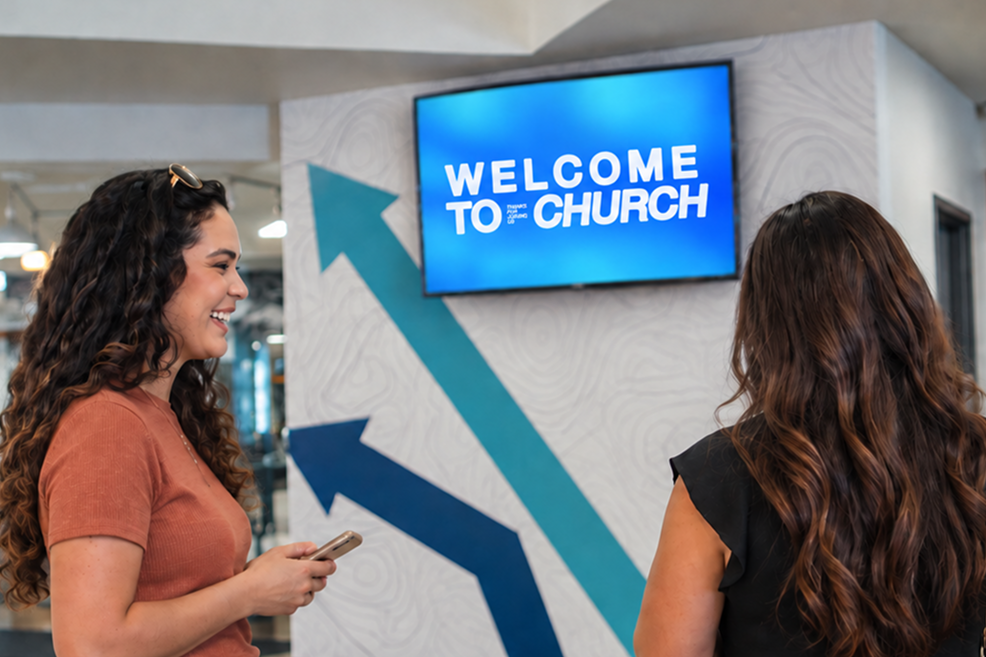
Schedule your presentations to the right rooms ahead of time, so screens are ready before anyone arrives. Set content to loop for signage or use the remote to run the room manually.
No extensive training, which means your staff and volunteers get to spend more time focusing on the people in the room. Just pick up the remote or ProDisplay app and you're ready to go.
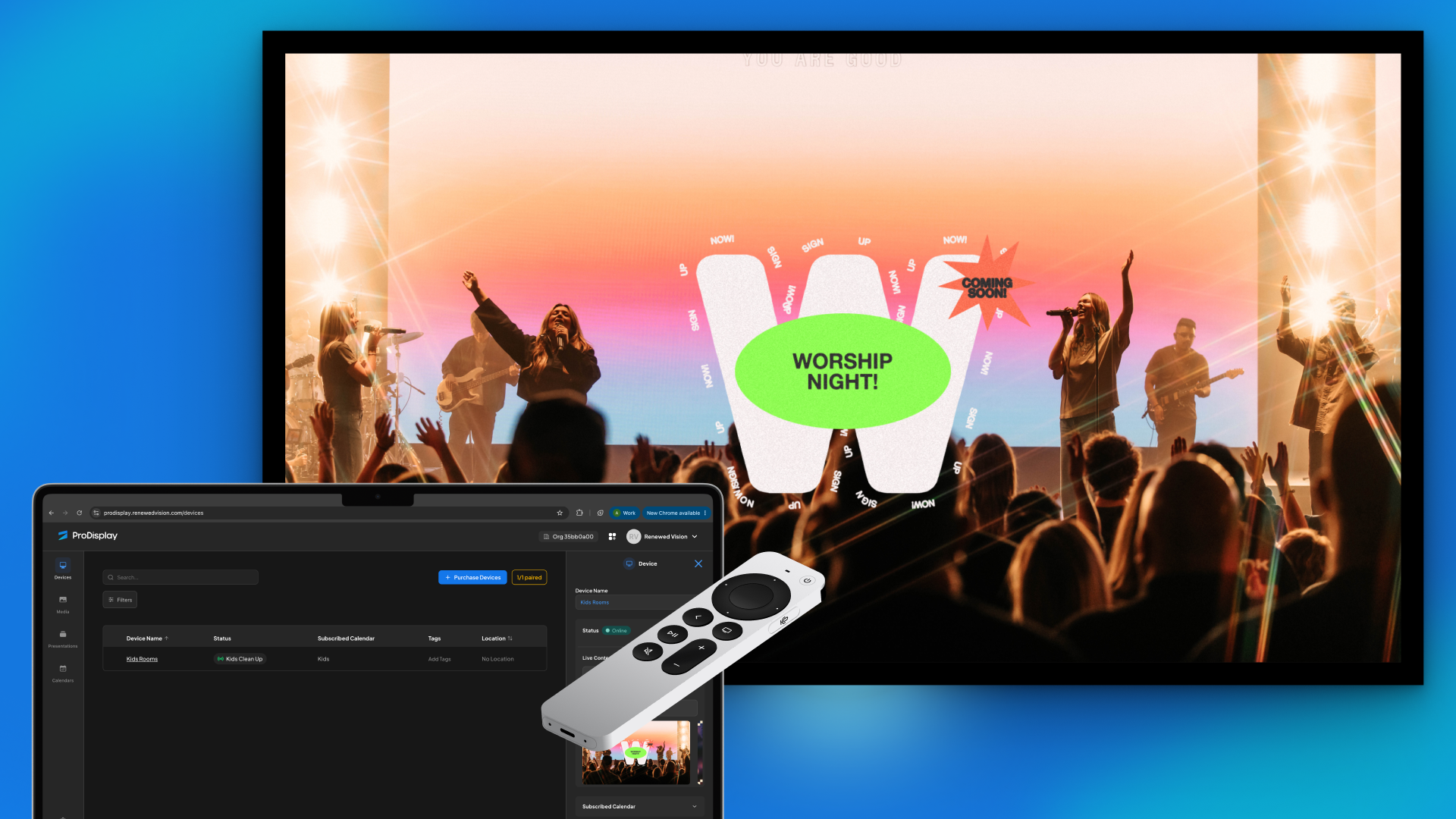
See every screen in your building at a glance. What's playing, what needs content scheduled, and what needs your attention.
Have ProPresenter slides that you want to show in the lobby or meeting room? Export slides from ProPresenter directly to ProDisplay to use across the building.


ProDisplay has a direct integration with Life.Church Open Network and Amazing Curriculum with more to come. Connect your account and access content directly in ProDisplay.
ProDisplay comes from the team behind ProPresenter, trusted to power live church production for two decades. Now trusted to help you manage every other screen on your campus.
ProDisplay Remote
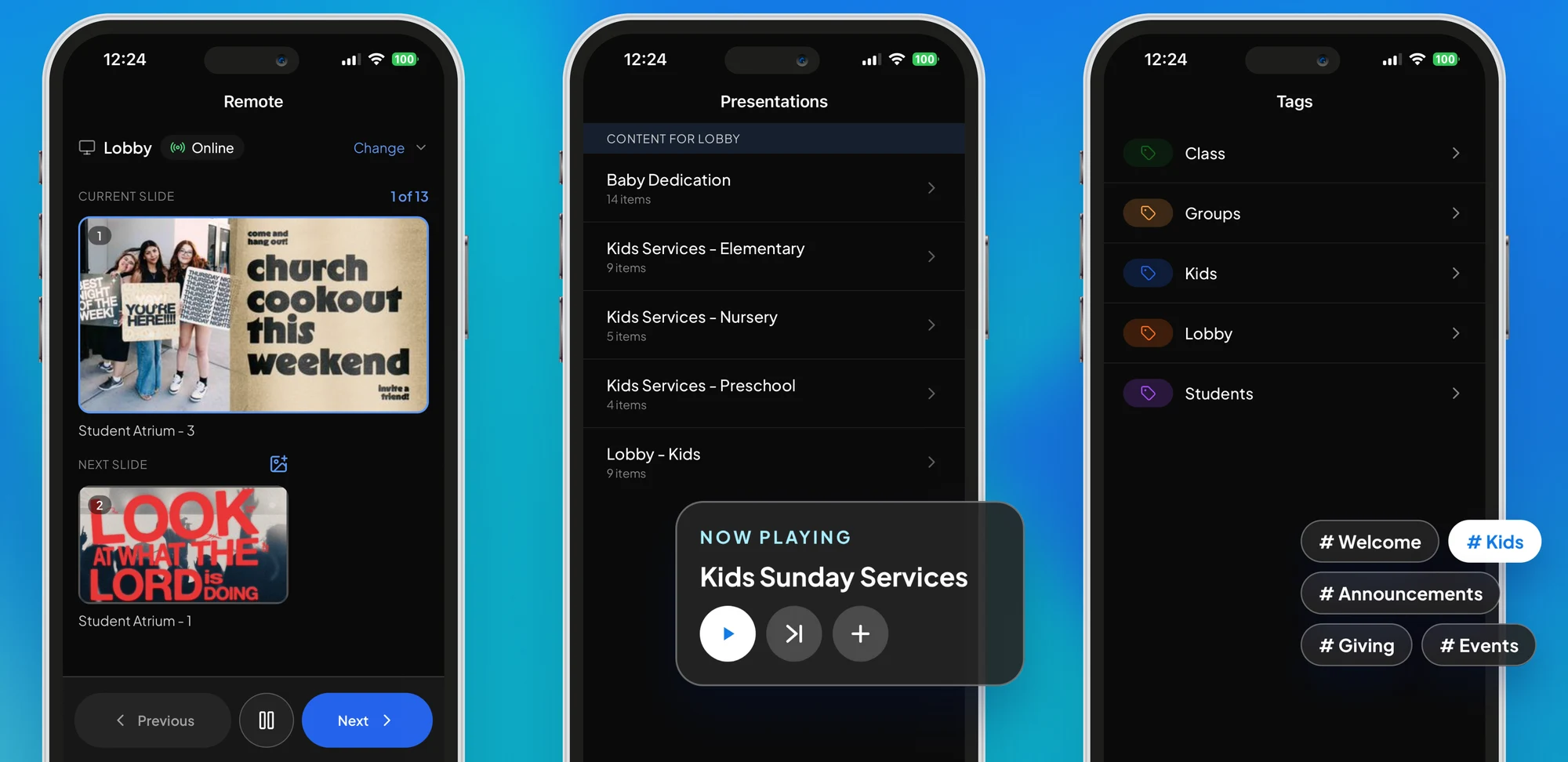
Control ProDisplay on every screen from the iPhone, iPad, or Android device already in your pocket. Pick a screen, see what's playing, and skip ahead or add content in a tap.
Run the slides with confidence
See the current and next slide, then skip ahead, go back, or pause.
Switch presentations anytime
See what's scheduled on each screen and change it on the fly.
Find the right content, fast
Pull up anything by tag, like Kids or Lobby, and put it on screen.
Scan with your phone to download
Browse our FAQs or our knowledge base that we’ve made to answer your questions. Need additional help? Connect with a support team agent!
yes — offline playback
No. You keep using the ProPresenter desktop app. Cloud keeps your machines in sync — there's no presenting from a browser.
No. Editing on one device is completely independent from what's live on another. You can edit freely mid-service without affecting the output.
Yes — your whole workspace is backed up and can be downloaded to any machine, any time.
Cloud keeps your machines in sync today; richer multi-site and team-collaboration workflows are on the way.

Subscribe today and get content on your screens in minutes.
%20(1).avif)
